
Overview - Rons WebLynx
What is Rons WebLynx?
Rons WebLynx is a Windows desktop application for collecting, organizing, and managing websites, links, and online resources.
While it can be used as a bookmark manager, WebLynx is designed for working with larger collections of material gathered from the web. These might include reference websites, research material, technical resources, articles, tutorials, blogs, news sources, or project-related content.
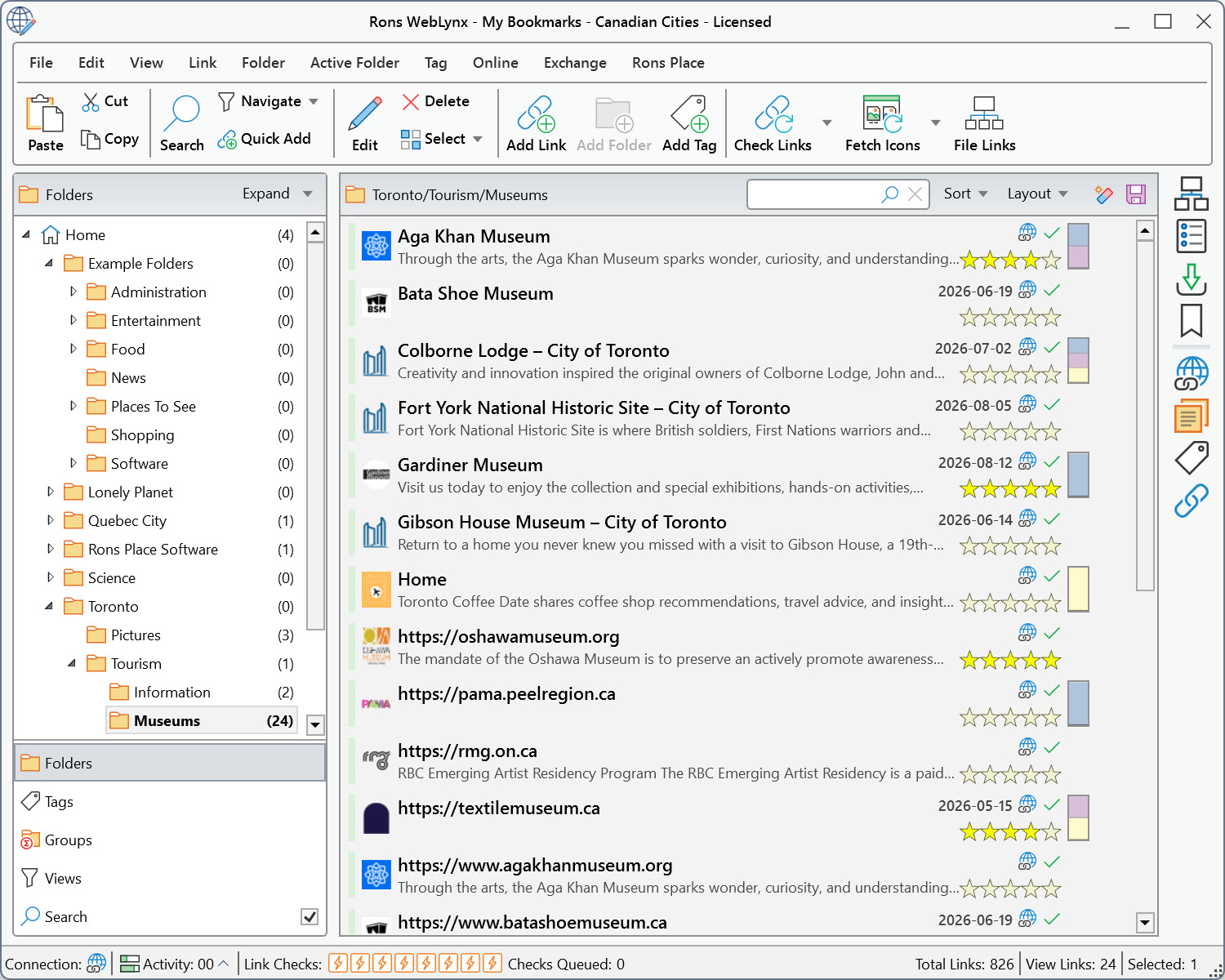
Organizing Resources
WebLynx offers several ways to organize a collection.
Folders
Folders provide the main structure and are displayed in a familiar tree layout similar to Windows Explorer. Collections can be as simple or as detailed as required, with folders and sub-folders used to organize resources by topic, project, or area of interest.
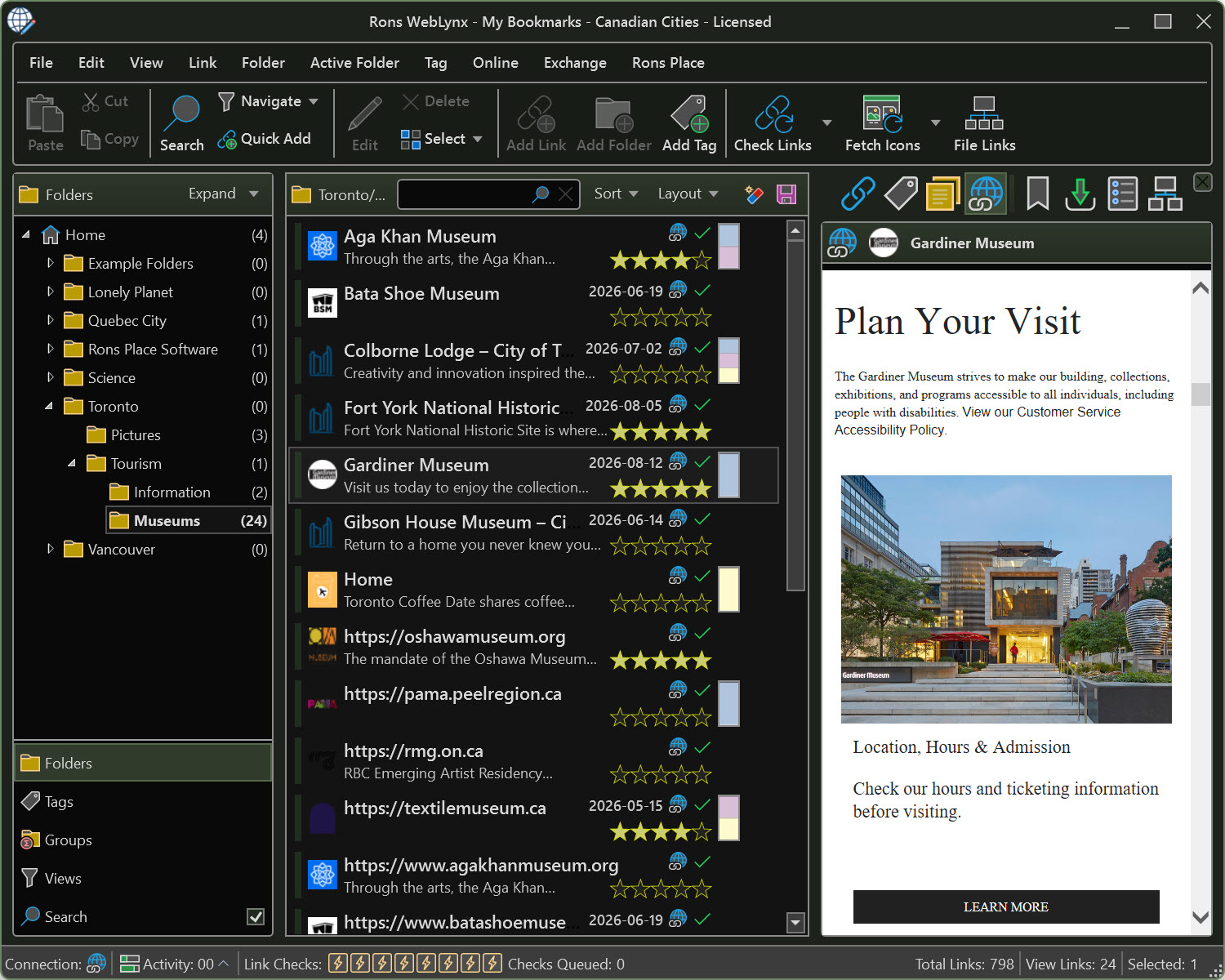
Tags
Tags provide an additional level of organization. A resource can have multiple tags, making it possible to classify the same link in different ways without creating duplicates.

Groups
Groups allow related folders and tags to be combined into larger collections, making it easier to work with resources that span multiple topics.
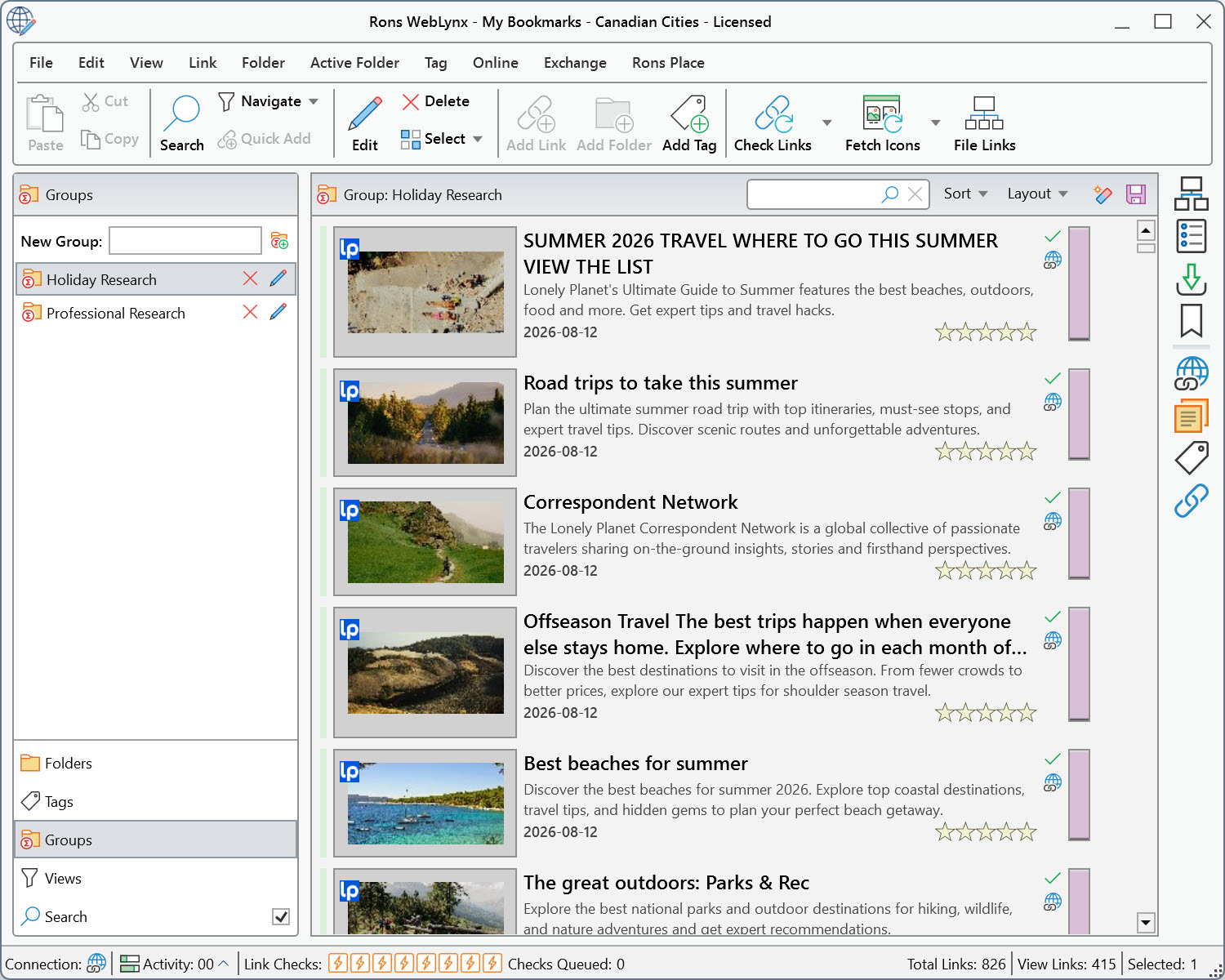
Notes and Ratings
Additional information can be stored alongside each resource, including notes and descriptions, and ratings.
Notes are particularly useful when collecting research material or reference resources, as they allow important observations, comments, and context to be stored alongside a link for future reference.
Adding Browser Bookmarks and Resources
Links can be added to WebLynx in a variety of ways from sources such as:
- Web browsers
- Outlook
- Documents
- Web pages
- Local files and folders
- Complete websites
- The clipboard
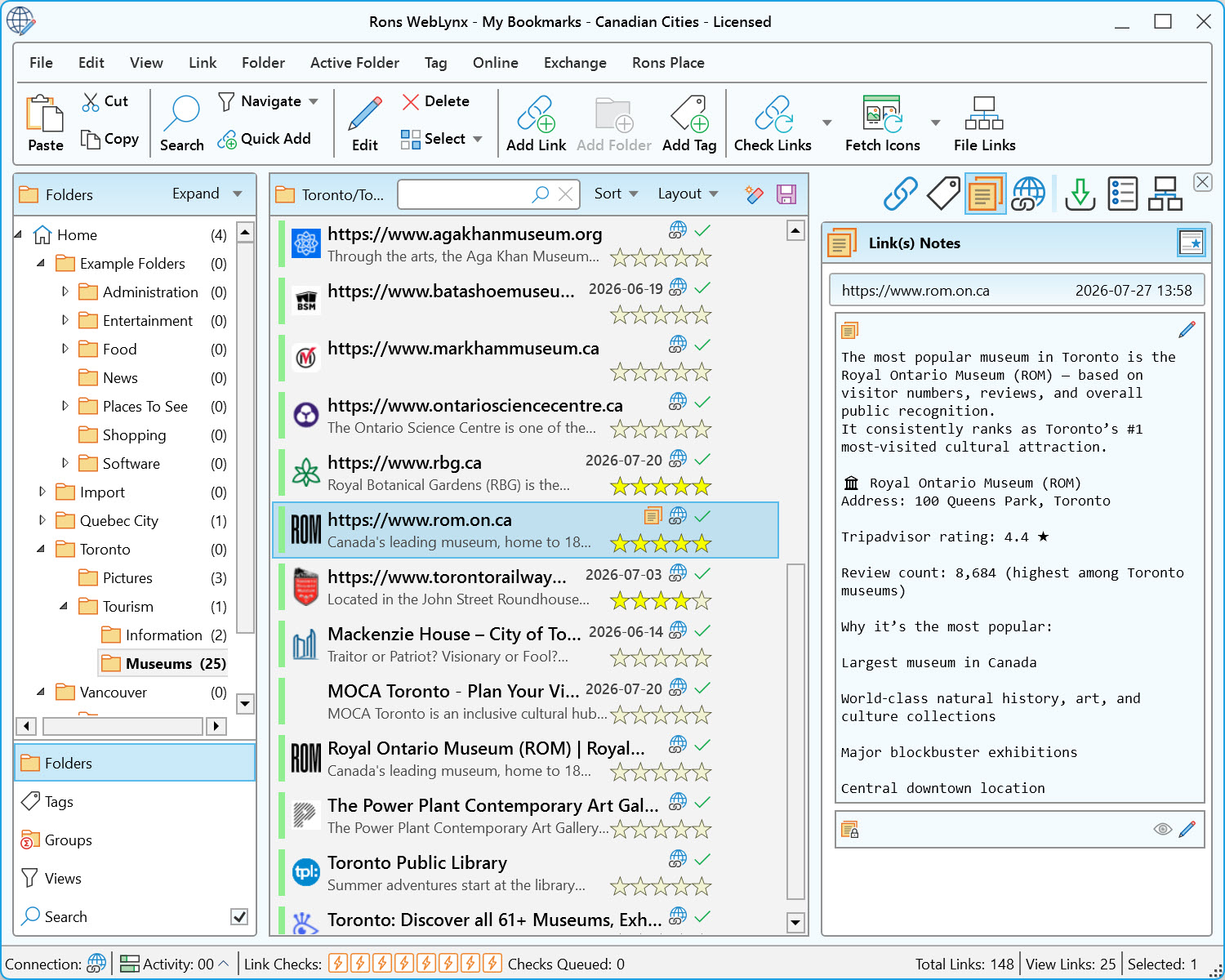
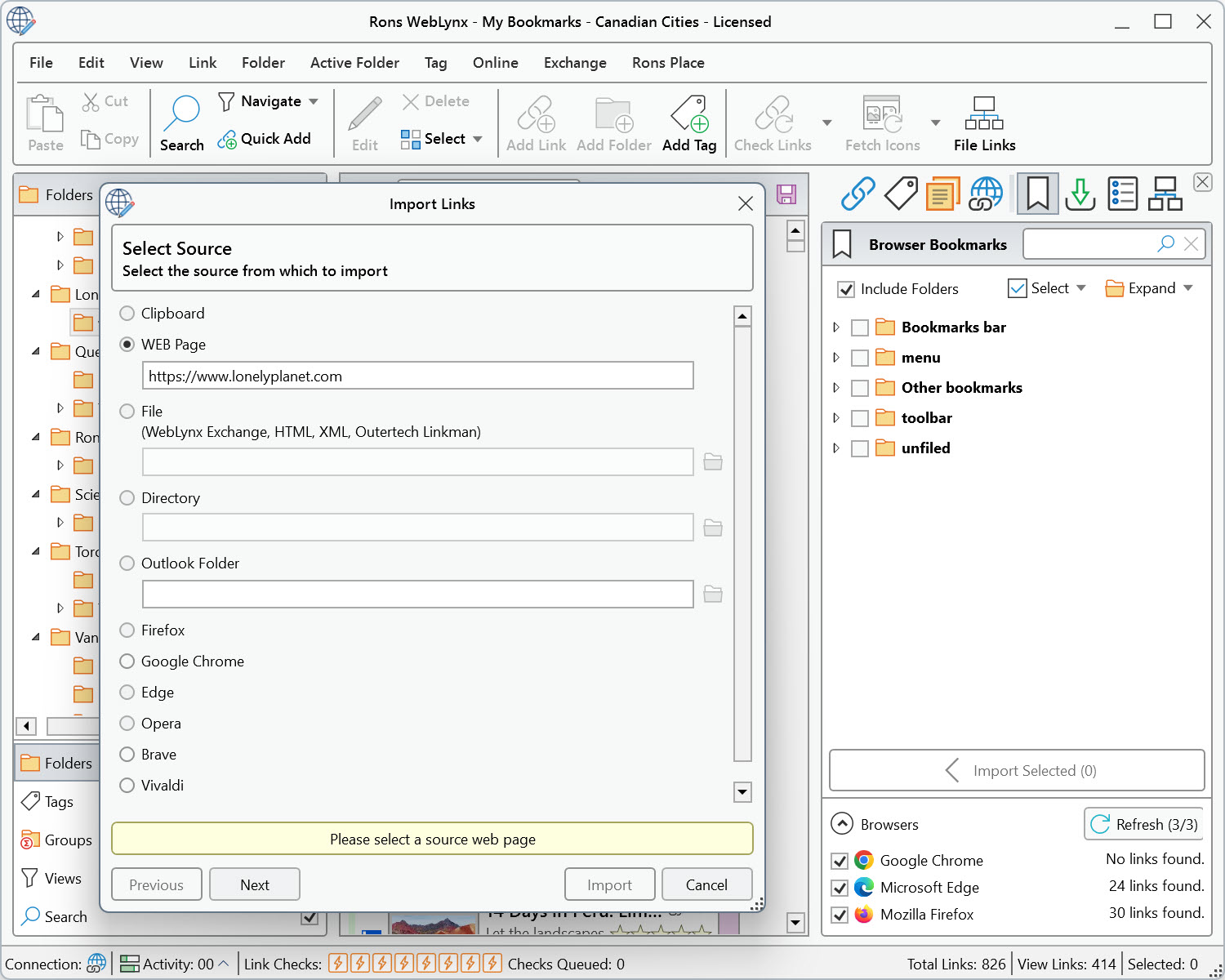
For browser users, WebLynx includes an External Bookmarks side panel that displays bookmarks from supported browsers installed on the computer. This provides a convenient way to transfer existing browser bookmarks when first starting to use WebLynx. Individual bookmarks or entire folders can be imported into WebLynx and then organized using the application's tools.
As useful websites are discovered while browsing, they can continue to be bookmarked in the browser and later imported into WebLynx for sorting and organization.
On the picture below you can see both the Import Window and the External Bookmarks side panel.
Finding Resources
As collections grow, finding information quickly becomes increasingly important.
WebLynx includes tools for:
- Searching
- Filtering
- Custom views
- Duplicate detection
- Link validation
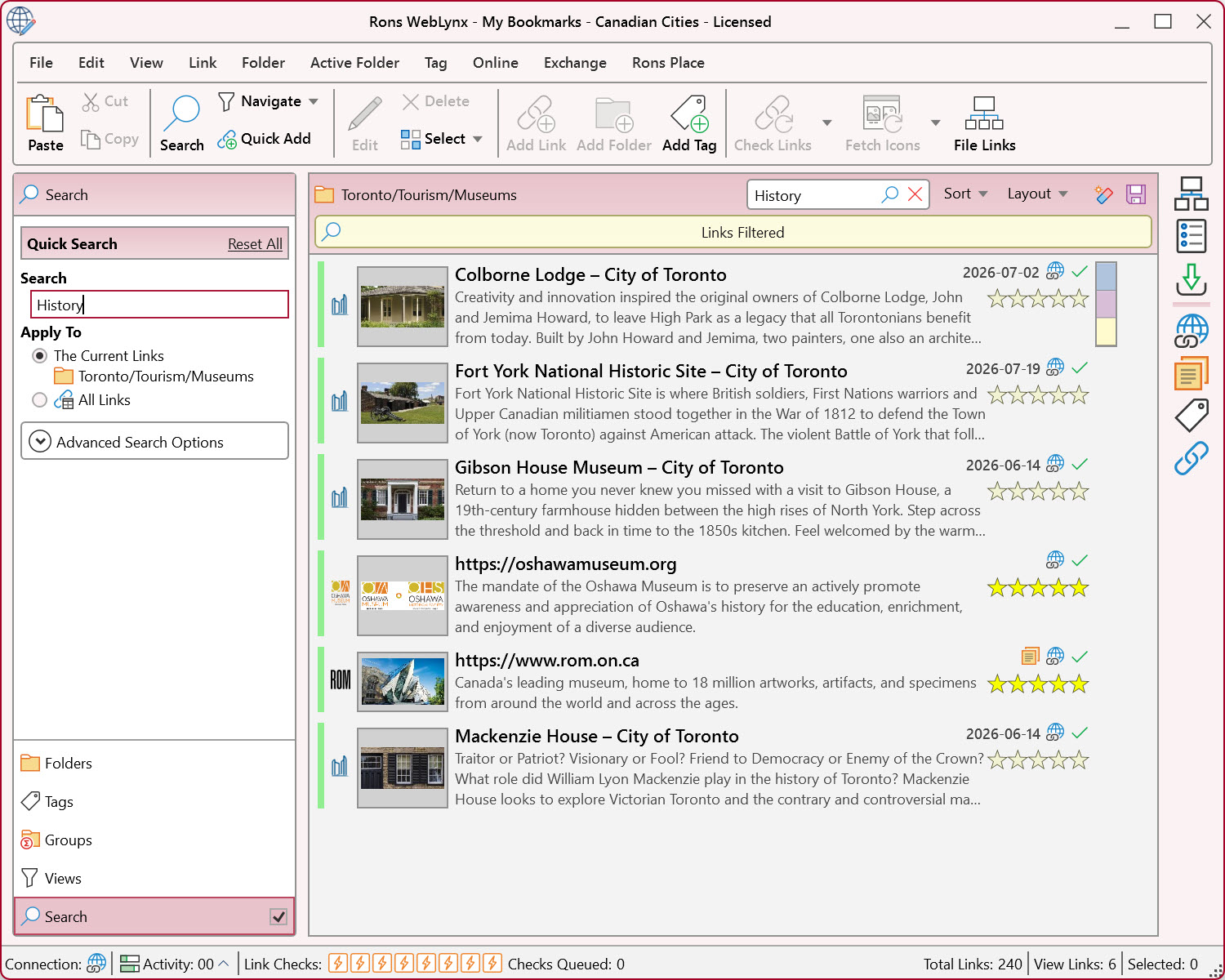
Resources can be located using keywords, tags, ratings, folder locations, and other properties. Additional views help identify recently added resources, duplicate links, missing classifications, and links that may no longer be available.
Accessing Frequently Used Resources
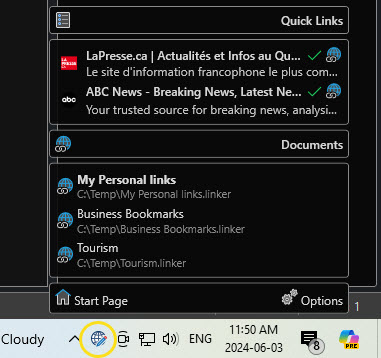
Rons WebLynx includes a Quick Links side panel that provides convenient access to frequently used websites, documents, and other resources.
Resources can be added to Quick Links and then accessed directly from within the application.
For even faster access, Quick Links can also be made available through the Rons WebLynx Tray Icon in the Windows taskbar. Once enabled in the Settings, frequently used resources can be opened directly from the tray menu without first opening the main application window.
This can be particularly useful for websites and resources that are accessed regularly throughout the day.
Keeping Up With New Content
WebLynx also includes support for RSS and Atom feeds.
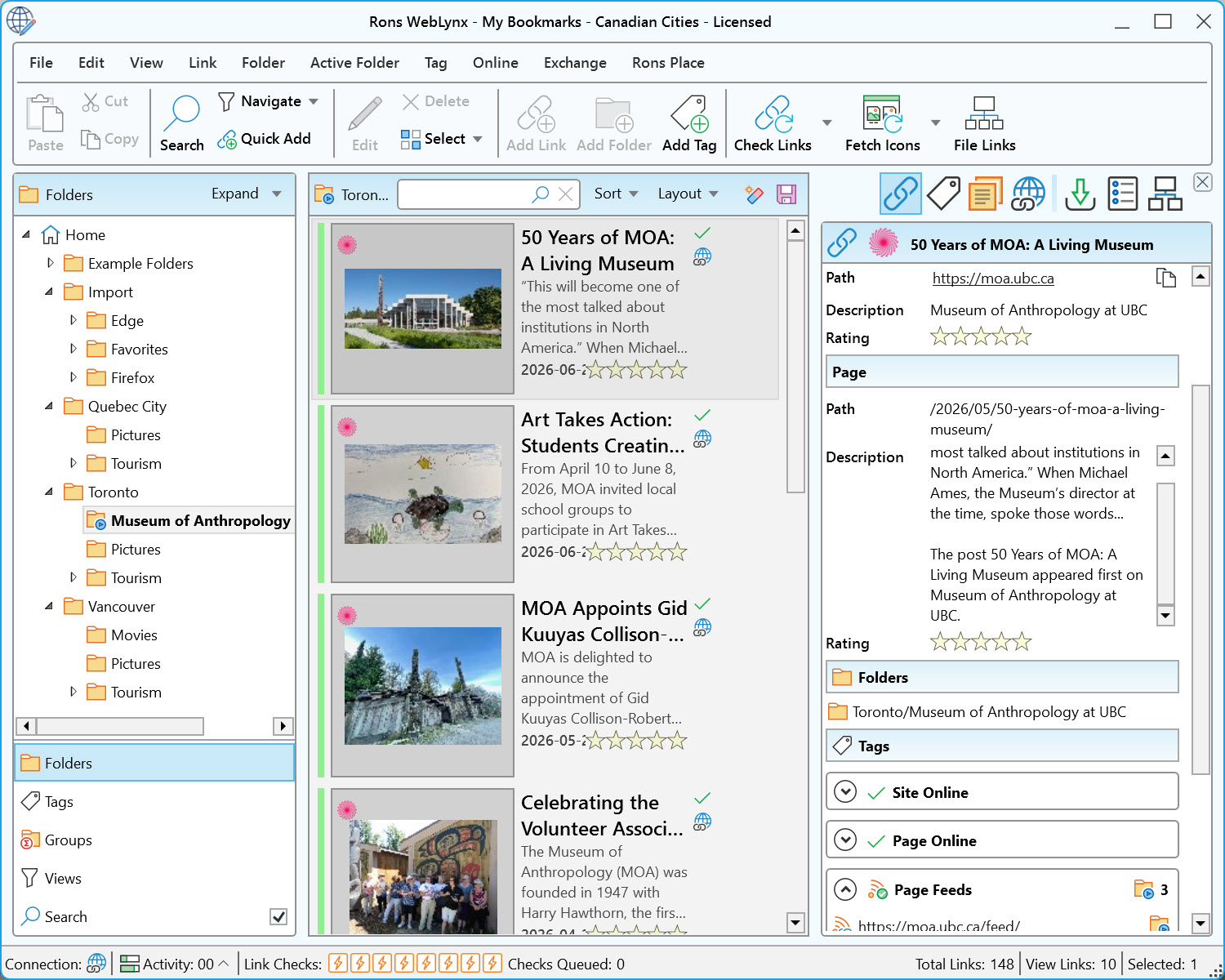
Using Active Folders, content from blogs, news websites, publications, and other feed-enabled sources can be collected automatically. This allows new content to appear alongside the rest of a collection without requiring a separate RSS reader.
Viewing Content
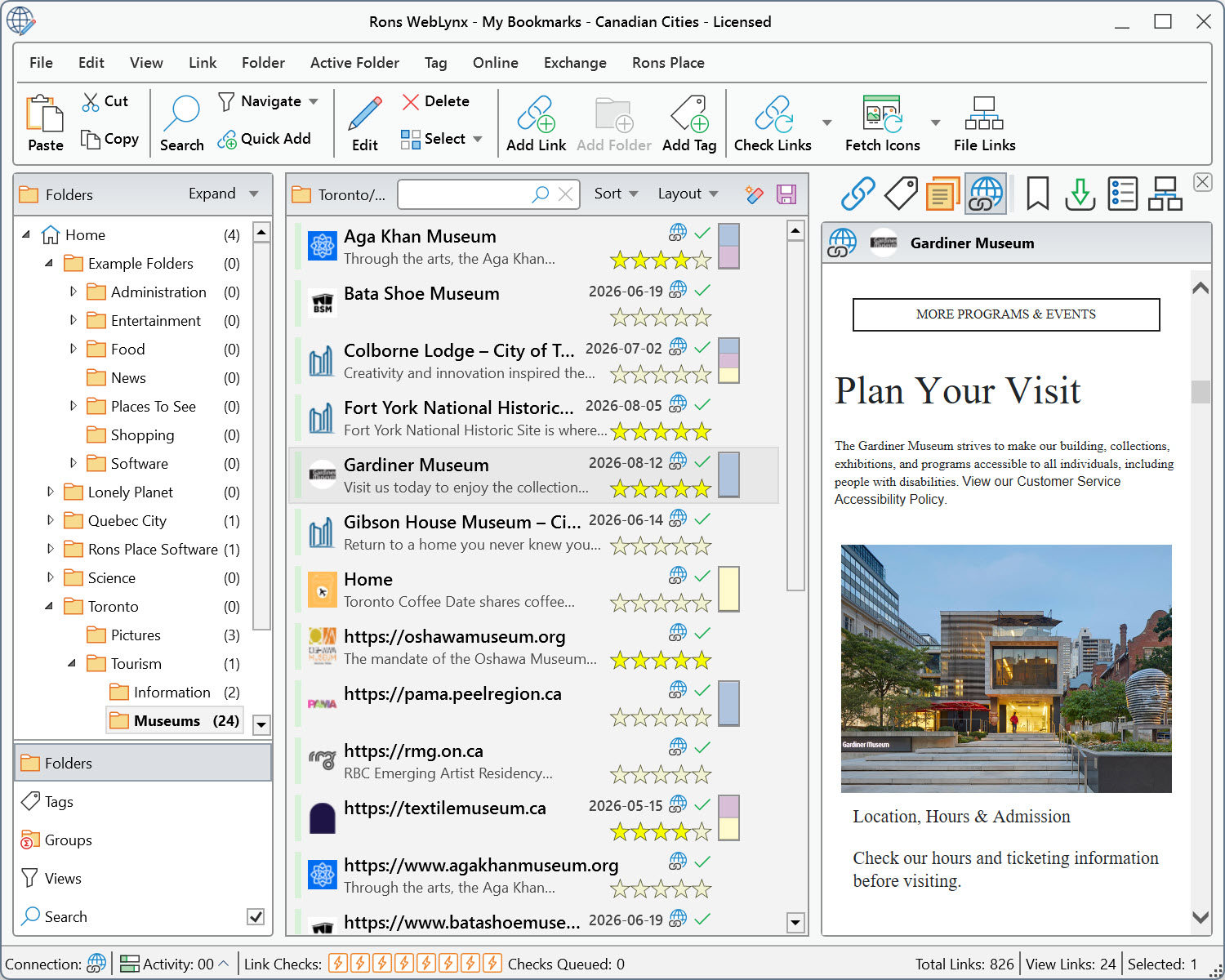
WebLynx includes a built-in browser panel that allows websites to be previewed directly within the application. This can be useful when reviewing resources without constantly switching between WebLynx and a web browser.
Automatic Link Filing
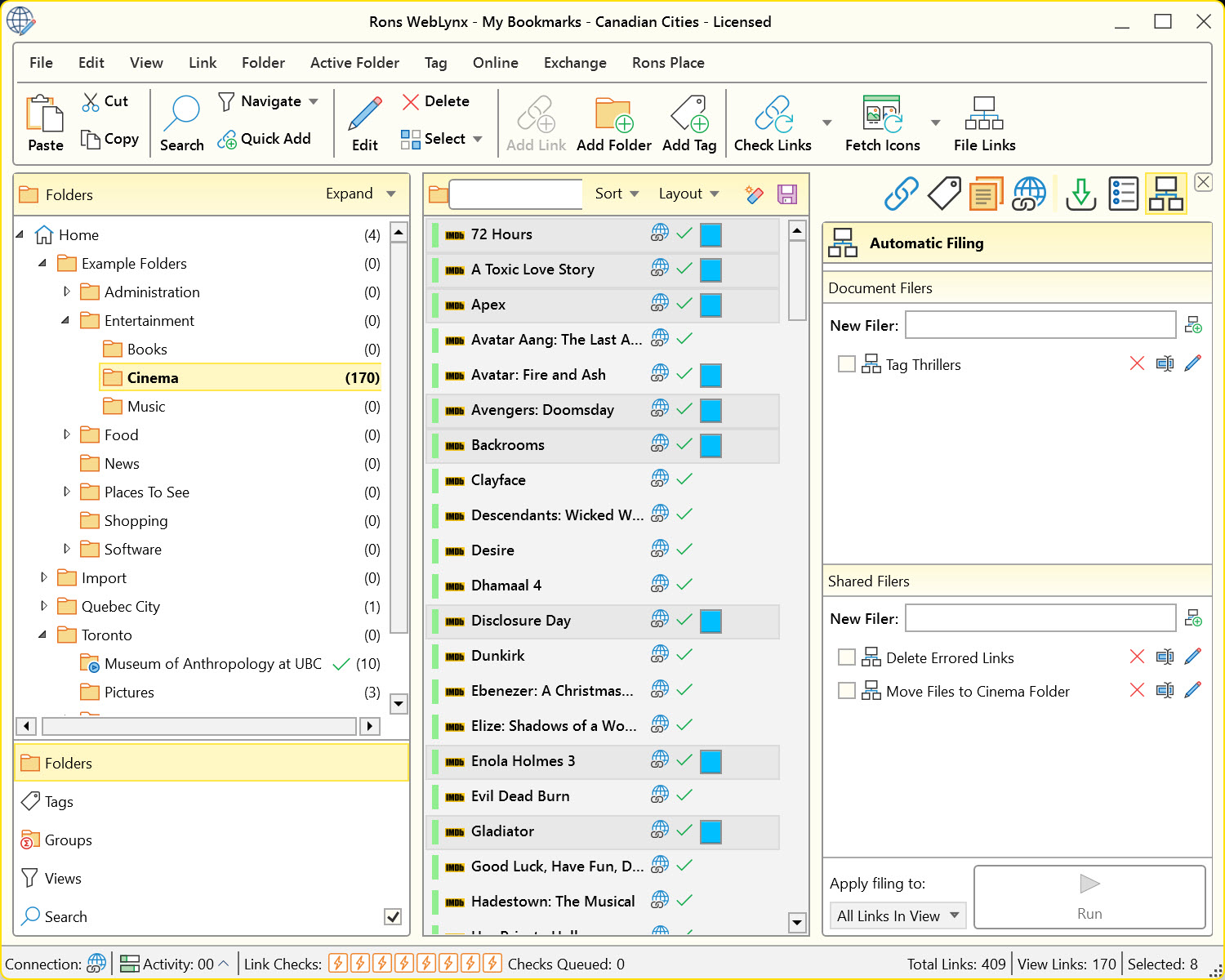
For users who regularly add large numbers of links, WebLynx includes Automatic Link Filing.
This feature allows rules to be created that automatically process newly added resources. Depending on the rules defined, links can be tagged, categorized, moved into folders, or otherwise organized automatically.
Automatic Link Filing can become particularly useful when collecting resources from multiple sources on a regular basis.
Working With Multiple Collections
WebLynx stores resources in portable files, allowing separate collections to be maintained independently.
For example, different files might be used for:
- Research projects
- Professional work
- Study material
- Family history research
- Software development
- Personal interests
Collections can be backed up, shared, archived, or reopened whenever required.
Conclusion
This article provides a broad introduction to the main concepts and features of Rons WebLynx.
Most users begin by importing an existing collection of bookmarks and then gradually explore features such as tags, notes, RSS feeds, search tools, and Automatic Link Filing as their collections grow.
The articles in this documentation section explore these topics in more detail and provide practical examples of how they can be used.
Related Information
Rons WebLynx
Application
General


