
Rons Data Merge - Merge Data into Documents
A Windows application for merging tabular data into text, HTML, email, and SQL.
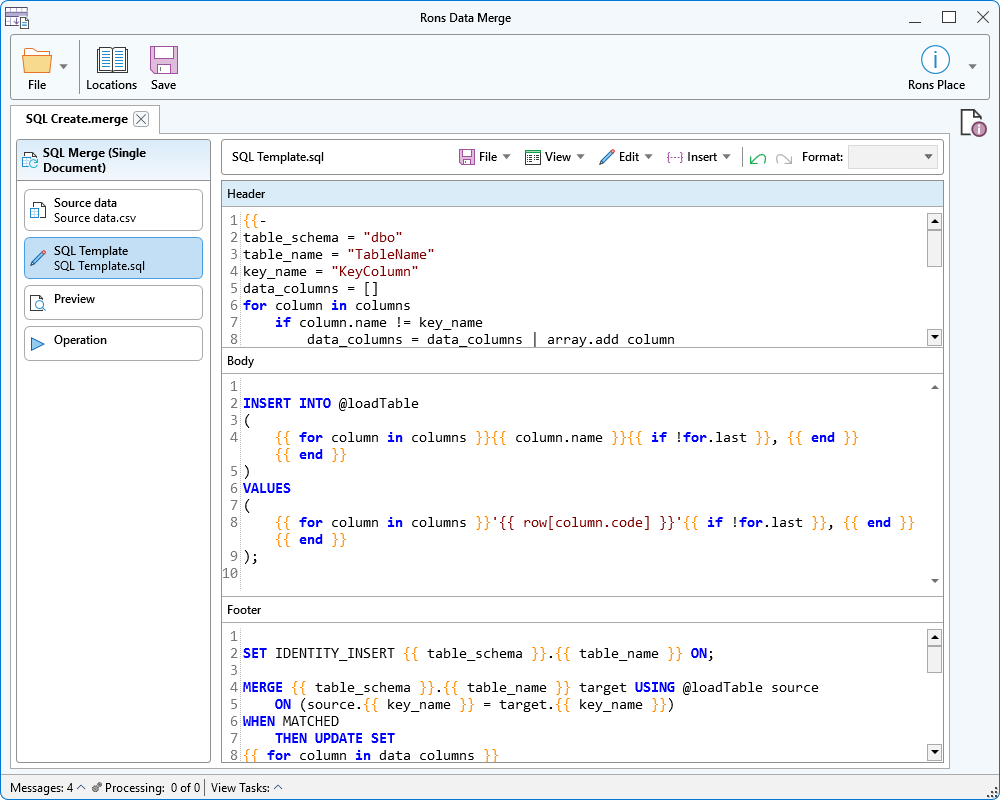
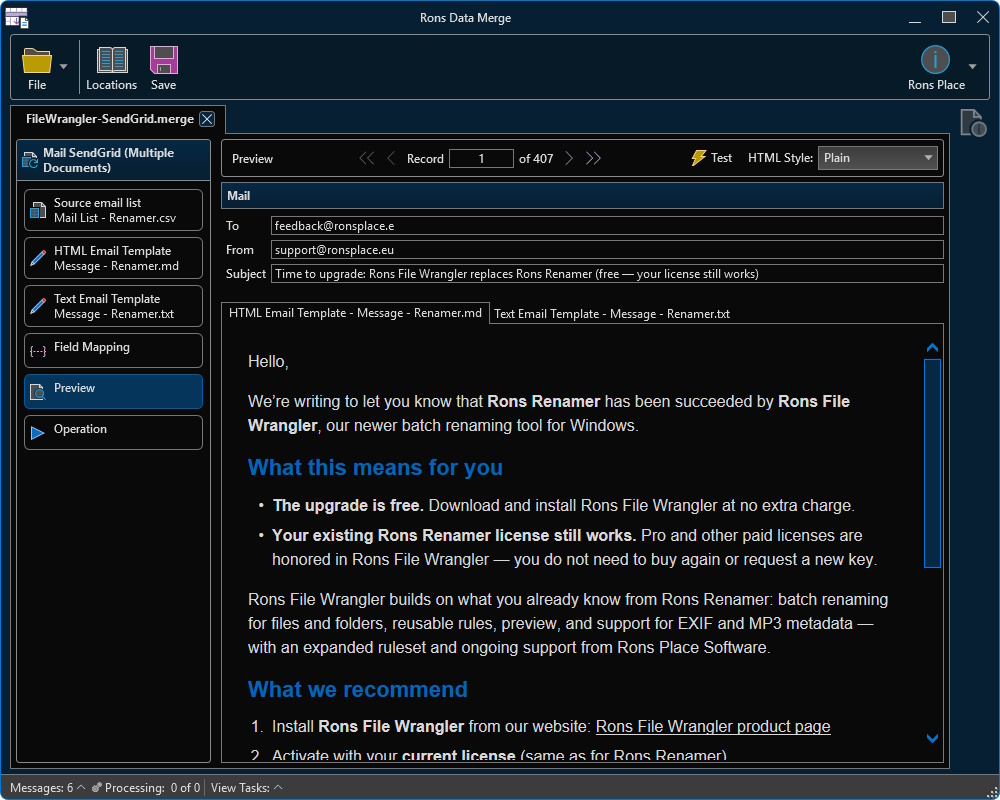
Rons Data Merge in action (light)
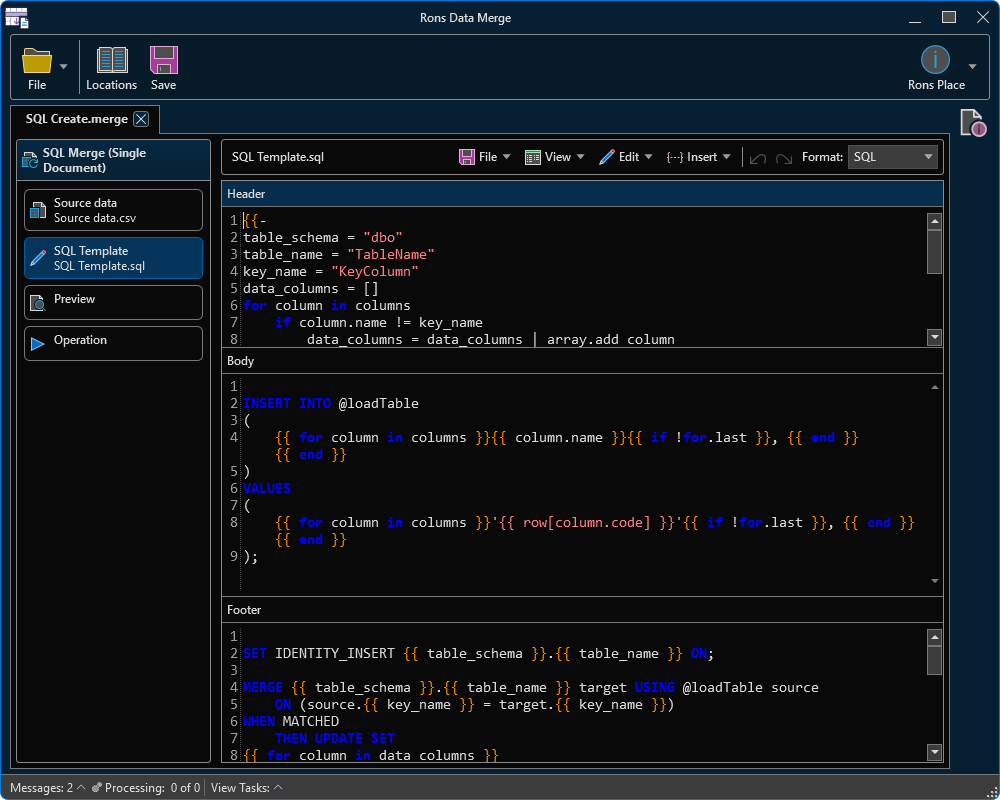
Rons Data Merge in action (dark)
Rons Data Merge takes a table of data and a template, then writes the result. One merge can produce a single document, one file per row, or one email per row. Preview a record before you run it. For the full list, see the features page.
What is Rons Data Merge?
Rons Data Merge is a desktop mail-merge tool for Windows. Open a CSV or other delimited text file, write a template that refers to its columns, and run the merge. The result can be plain text, HTML, a SQL script, or email sent through SMTP, Outlook, or SendGrid.
A merge is saved as a .merge file. It remembers the data file, the templates, the field mappings, and the output settings, so the same job can be opened and run again.
Who is Rons Data Merge for?
- Anyone sending mail from a list – Write one message, map To, From, and Subject to columns, and send a copy for each row.
- People producing documents from a spreadsheet – Turn a table into letters, HTML pages, or a folder of files.
- Developers loading data – Generate an INSERT script, or a MERGE script, from the rows you already have.
Why choose a desktop application?
The list, the templates, and the mail settings stay on your computer. SMTP details and a SendGrid API key are stored with the merge, and Outlook uses an account already on the machine. You can open a large file, step through the preview, and run the job when the result looks right.
Nine ways to merge the same list
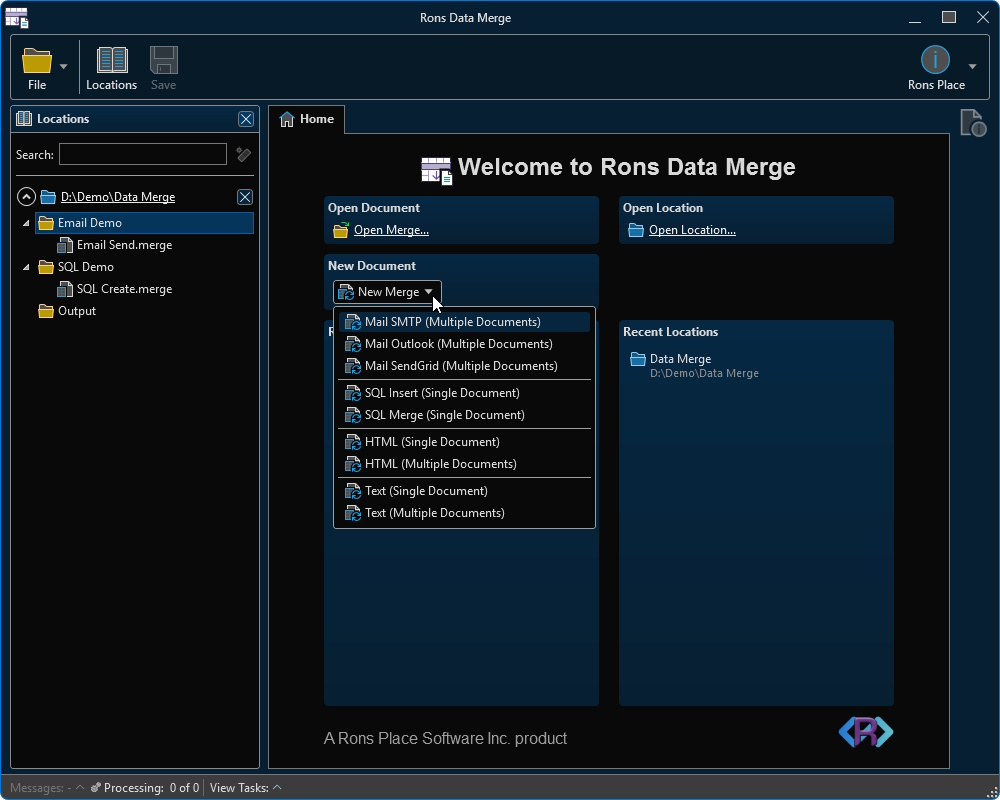
Each new merge starts from a type. Text and HTML can write one document for the whole list, or one document per row. SQL writes one script. Mail sends one message per row.
- Text – One file, or a folder of files.
- HTML – One page, or a folder of pages.
- SQL Insert – One script of INSERT statements.
- SQL Merge – One script that loads the rows and merges them into a table.
- Mail – SMTP, Outlook, or SendGrid, with an HTML body and a plain-text body.
Templates that follow the columns
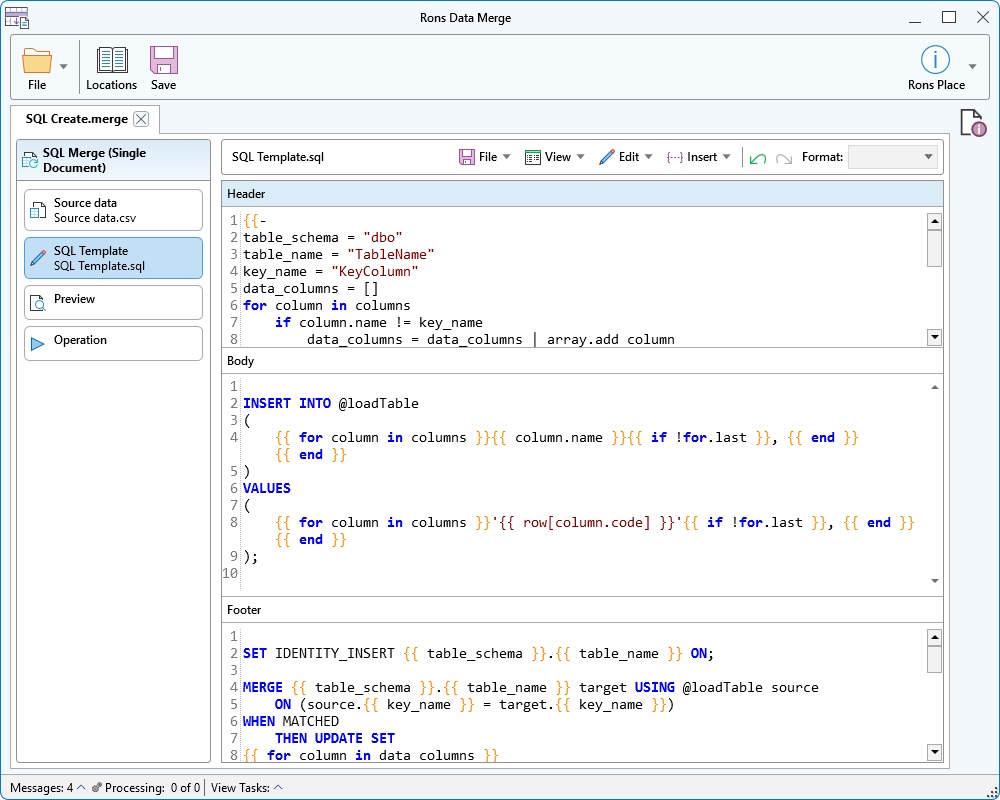
A template is the document with the row filled in. Insert a column value, or loop over the columns so a new field in the data appears in the output without rewriting the template. Sample templates are included for each merge type, and you edit them in place.
A single-document template is split into three parts. The header is written once, the body is written for every row, and the footer is written once at the end. A letter, an HTML table, or a SQL script all fit that shape.
A multiple-document template is the whole file for one row. The merge writes it once per record, numbered, into the output folder. Existing files can be left alone or overwritten.
Preview the record, then run it
Move to the first, previous, next, or last row and read that record filled into the template. HTML and Markdown templates can be shown as a page, in Plain, Editorial, Newsletter, Soft, or Brief. Mail merges can send the current record to a test address before the full list goes out.
Start writes the files or sends the mail. Stop cancels a run that is still going. Mail merges keep a log of what was sent.
Mail from the list you already have
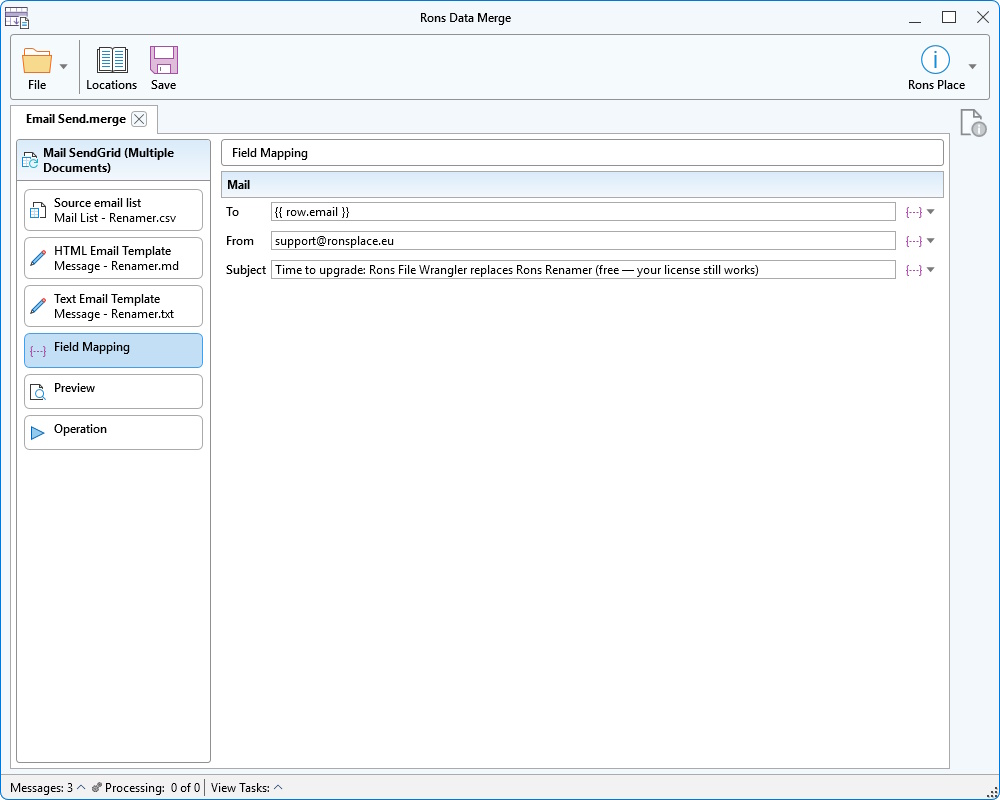
Each mail merge has an HTML template and a text template. Map columns to the addresses and the subject, then set how the message leaves the machine:
- SMTP – Server, port, user name, and password. Map To, From, and Subject.
- Outlook – An Outlook account on this computer. Map To, CC, BCC, and Subject.
- SendGrid – An API key. Map To, From, and Subject.
The data stays a table you can edit
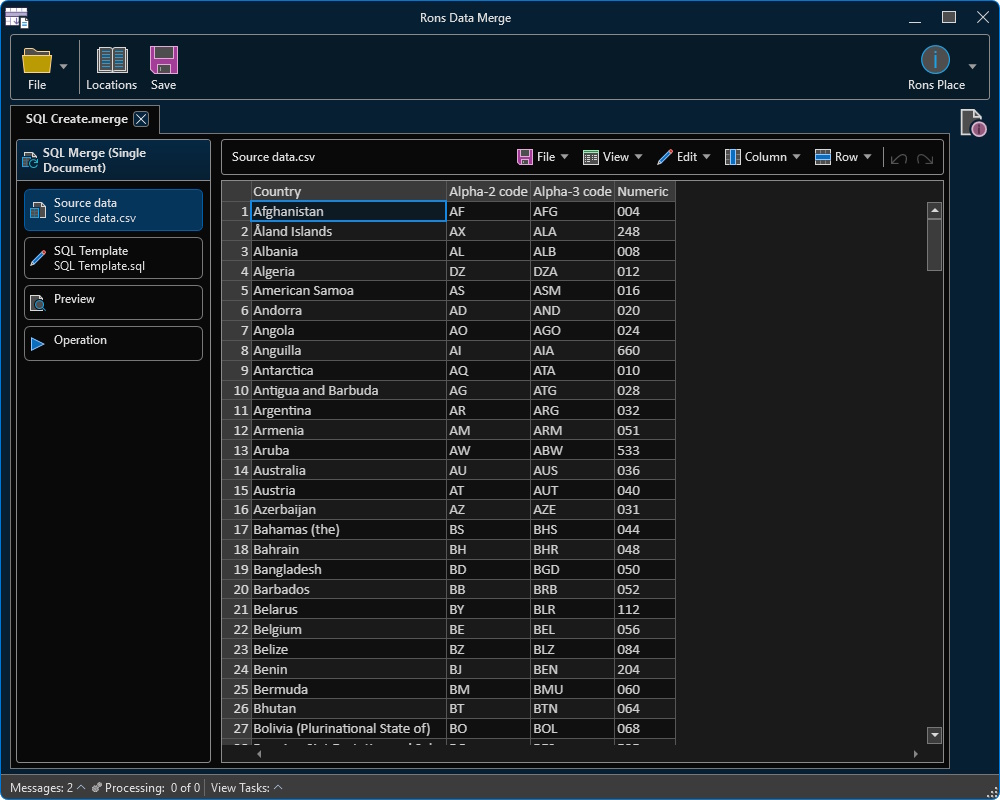
Open CSV, PSV, TSV, TAB, or plain text, or paste a table from the clipboard. Delimiter profiles set the separators, the header row, and the file associations, and the file's encoding is kept with the document.
Edit cells in the grid. Rename, add, and delete columns. Insert and delete rows. Sort the view, find text, and copy a selection as HTML or Markdown. The column names in that grid are the names the template can use.
Open a folder from the locations panel to move between data files, templates, and saved merges.
What now?
The feature list covers templates, mail, SQL, and the data grid in more detail.
To try Rons Data Merge, download it and install, or run the portable build.
Rons Data Merge Options
 Rons Data Merge Lite
Free
 |
Maximum 250 rows can be run (load and preview unlimited) |
|
Advertising banner included |
 |
All other options available |

Rons Data Merge Pro
$20.00
|
No row run limit |
|
Advert banner free |
|
All other options available |
|
Fully Pro |


